
Splainin’ The Explainer Video
Posted on July 01, 2022
By Michael Miller, Digital Media Designer
What is an explainer video?
Explainer videos are short marketing videos designed to explain a product or service that a company offers, and in such a way that makes it fun and engaging. Explainer videos are often animated and are an effective way to communicate a story.
So who started the explainer video trend?
It is rumored that the first major company to utilize an explainer video was Twitter. They created a small, animated clip that detailed how users could use the social media platform, and it was love at first site for Twitter’s audience. Soon enough, businesses took note of the effectiveness of explainer videos and the rest is history.
The pluses of explainer videos
In studying the results of explainer videos with users in the marketing and business world, the irrefutable conclusion is they are a very effective marketing tool especially in the social media space.
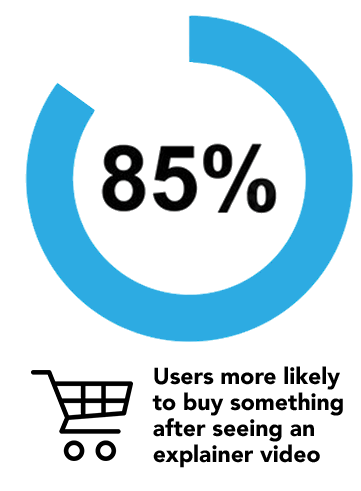 The numbers don’t lie, here are the stats that prove this:
-
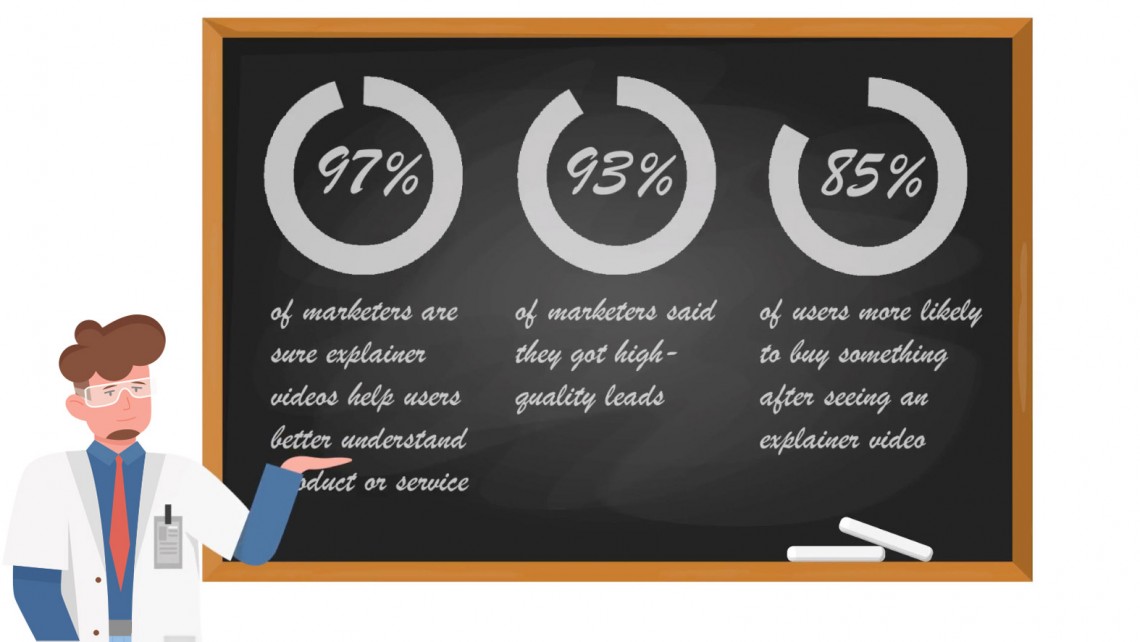
97% of marketers are sure an explainer video helped their users to get better understanding of a product or service
-
93% of marketers said they got high-quality leads with the help of social media videos
-
85% of users tell they are more likely to buy something after seeing an explainer video about it
-
73% of users bought a product after watching an explainer video about it
-
8 out of 10 customers think demo videos are useful and assist best in understanding product or service features
-
64% of online buyers decided to purchase after watching a video on social media
-
15 and 30-second videos ads are viewed to the end in 84% of the cases accordingly
And the most important stat is that 99% of marketers who used video (per a 2019 study) will continue to use it. Currently, short, engaging, animated videos are the #1 media type that is used across all industries. The simple reason for this is that explainer videos generate results wherever you use them.
4 basic steps to creating an explainer video
-
Get Creative Intake from Client
-
Develop the Script
-
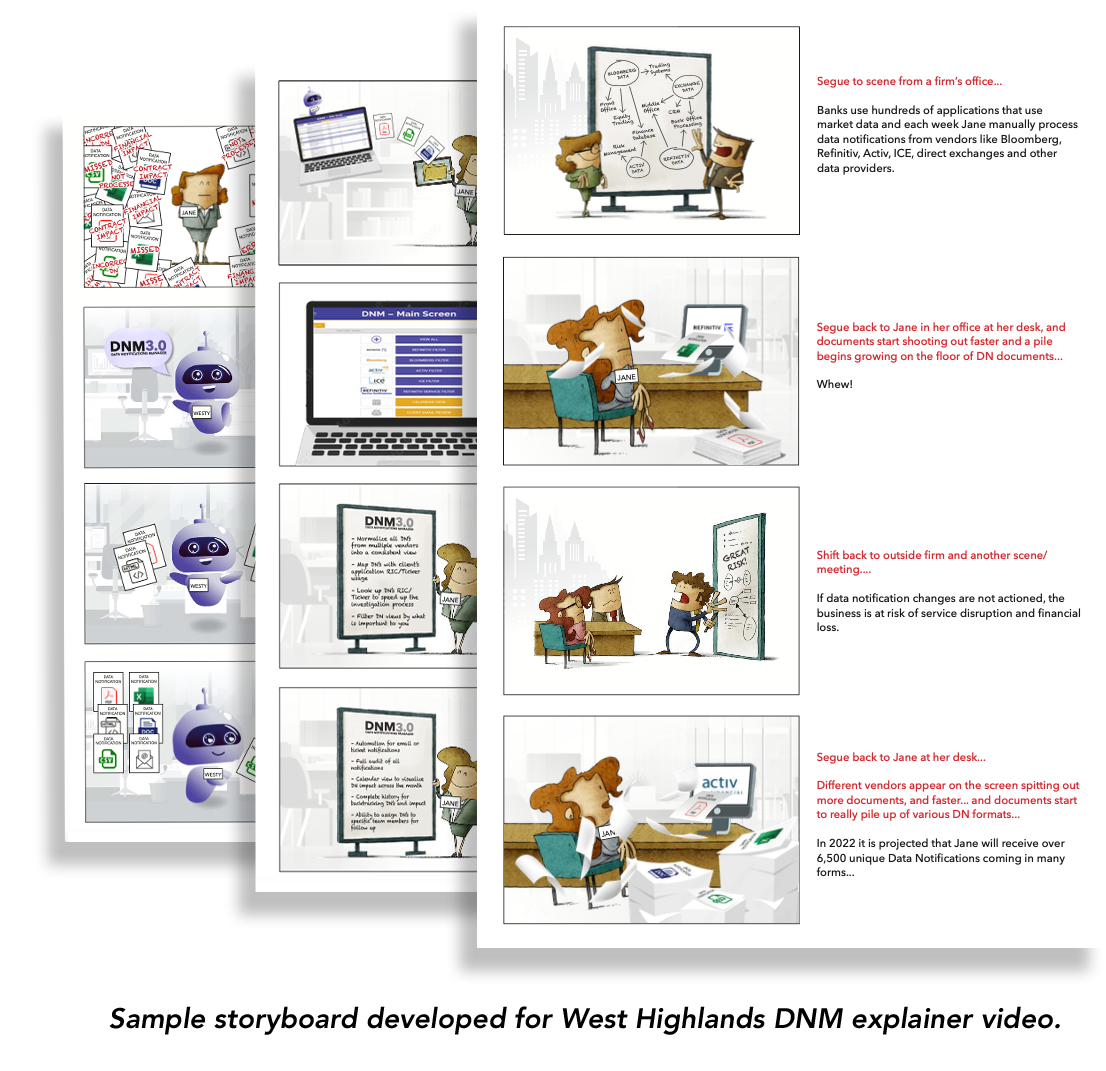
Design/Create the Storyboard
-
Create the Animation – Voice, Sound & Effects
Guidelines for success
The below are general guidelines to develop a pre-storyboard script. The overview and basic outline are what should be developed. Basic Tips are just some best practices.
The CS Designworks Process
Overview (client input)
-
Working Title
-
Who is your target audience, CFO, CTO, etc.
-
Provide a summary of the story in a couple of sentences, this will help establish tone
-
Provide any intangibles/insights that will guide us in development
Basic outline (where CS Designworks comes in)
-
Character has problems (a catchy name helps)
-
Character looks for a solution
-
Character finds your business or service
-
Explanation of benefits and/or how it works
-
Call to action
Basic Tips
Step 1: Grab their attention from the beginning
Online exposure is limited, and everyone is striving for it. If you don’t get attention quickly, you risk not connecting to your viewers.
Step 2: Speak to your audiences’ interests
 Regardless of how interested your audience is, if they don’t see meaning in what you’re doing, they’ll leave. For the first few seconds, you faced a lot of competition to get the audience to stick around, you must earn their attention by focusing on their greatest pain point(s), no matter how many issues your product or service solves.
Step 3: Set up the problem
Draw viewers in by quickly setting up the problem. To do this, you need to know issues that face your audience. This means you will want to think about how the product would be viewed by your key demographic.
Step 4: Solve their problem
When providing your solution, you want to state what you do clearly. Providing the solution, however, is not the same as explaining what you do. Again, you don’t have to solve every problem.
Step 5: Explain the how & why
The how & why part of your video is critical if they get this far. Here is where you would share the benefits of how you solve their problems with your service. Be selective about what you choose to highlight. Focus on natural questions your viewers may have for you and communicate to them your skillset and experience and ability to solve their problem.
Step 6: Call to Action
Direct the viewer to what you expect them to do next. Call, Demo, or visit blog article, etc…
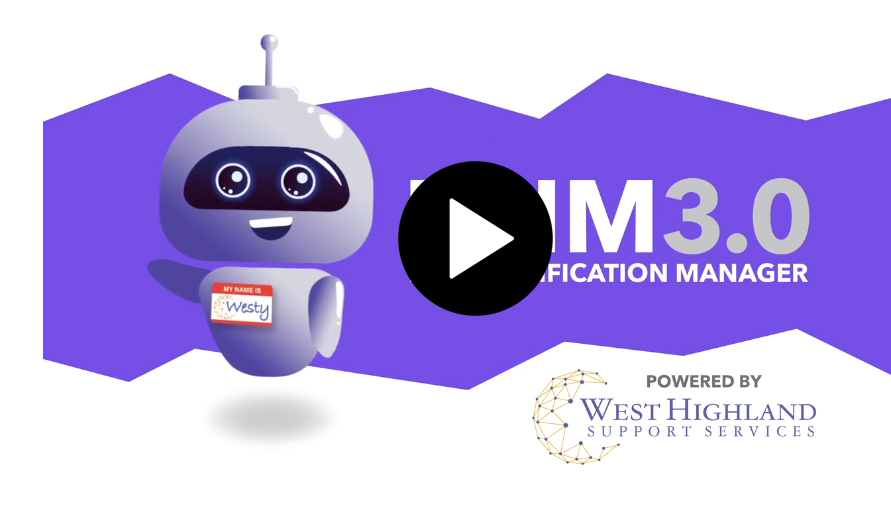
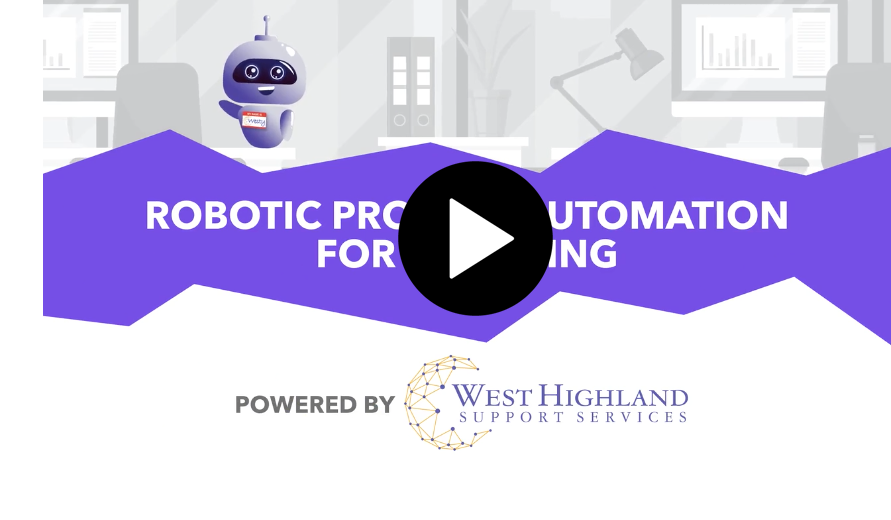
Two Explainer Videos for West Highland Support Services
SOURCES:
1 - https://slingflymedia.com/process/
2 - https://www.yansmedia.com/blog/explainer-video-statistics

Join Our Blog Community
@CSDesignworks
